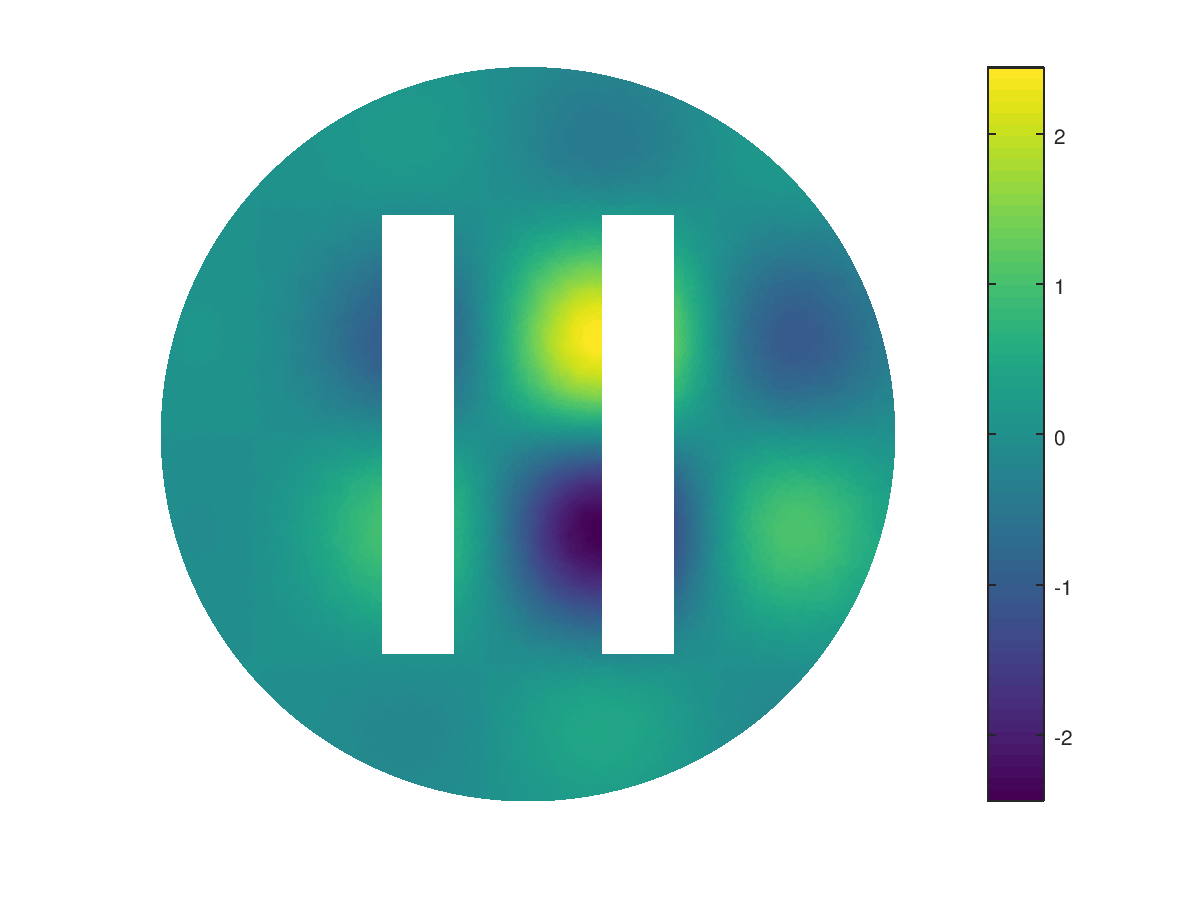
 Octave / Mesh / fc_graphics4mesh package Octave / Mesh / fc_graphics4mesh package Snapshots Current development release Installation
automatic, all in one Version history Old development releases
Octave / Mesh / fc_graphics4mesh package Octave / Mesh / fc_graphics4mesh package Snapshots Current development release Installation
automatic, all in one Version history Old development releases

Snapshots|
| ||||||
|
|
|
|
|
|
|
|
|
| ||||||
|
|
|
|
|
|
|
|
|
| ||||||
|
|
|
|
|
|
|
|
|
| ||||||
|
|
|
|
|
|
|
|
|
| ||||||
|
|
|
|
|
|
|
|
|
| ||||||
|
|
|
|
|
|
|
|
|
| ||||||
|
|
|
|
|
|
||
|
| ||||||
This package was tested under
It is not compatible with Octave 4.0.x and previous.
Current development release|
| ||||||||
| Version | date | package | archives | install | User’s Guide |
|||
| 0.0.2 | December 13, 2017 |
|
|
|
|
|||
Installation automatic, all in oneFor this method, one just have to get/download the install file  (2 Ko) ofc_graphics4mesh_install.m
Thereafter, one run it under Octave. This command download, extract and configure the fc-graphics4mesh and
the required fc-tools package in the current directory.
(2 Ko) ofc_graphics4mesh_install.m
Thereafter, one run it under Octave. This command download, extract and configure the fc-graphics4mesh and
the required fc-tools package in the current directory.
For example, to install this package in directory ~/Octave/packages, in a terminal one can do :
# mkdir -p ~/Octave/packages
# cd ~/Octave/packages
# wget http://www.math.univ-paris13.fr/~cuvelier/software/codes/Octave/fc-graphics4mesh/0.0.2/ofc_graphics4mesh_install.m
Then in a Octave terminal run the following commands
>> cd ~/Octave/toolboxes
>> ofc_graphics4mesh_install
There is the output of the ofc_graphics4mesh_install command :
Parts of the GNU Octave <fc-graphics4mesh> package.
Copyright (C) 2017 Francois Cuvelier <cuvelier@math.univ-paris13.fr>
1- Downloading and extracting the packages
-> <fc-tools>[0.0.19] ... OK
-> <fc-graphics4mesh>[0.0.2] ... OK
2- Setting the <fc-graphics4mesh> package
Write in /home/cuvelier/Octave/packages/fc-graphics4mesh-full/fc_graphics4mesh-0.0.2/configure_loc.m ...
-> done
3- Using the <fc-graphics4mesh> package
Under Octave:
addpath(’/home/cuvelier/Octave/packages/./fc-graphics4mesh-full/fc_graphics4mesh-0.0.2’)
fc_graphics4mesh.init()
See /home/cuvelier/Octave/packages/ofc_graphics4mesh_set.m
The complete package (i.e. with all the other needed packages) is stored in the directory ~/Octave/packages/fc-graphics4mesh-full and, for each Octave session, one have to set the package by :
>> addpath(’~/Octave/packages/fc-graphics4mesh-full/ofc-graphics4mesh-0.0.2’)
>> fc_graphics4mesh.init()
For uninstalling, one just have to delete directory ~/Octave/packages/fc-graphics4mesh-full
To quickly test this package , one can run one of the examples located in the directory mfc-graphics4mesh-0.0.2/+fc_graphics4mesh/+demos. For example, runs
>> fc_graphics4mesh.demos.plot2D()
>> fc_graphics4mesh.demos.alldemos()
Version history
Old development releases|
| ||||||||
| Version | date | package | archives | install | User’s Guide |
|||
| 0.0.1 | October 27, 2017 |
|
|
|
|
|||